If your Roborock Q10 S5+ isn’t mopping as expected, it can be frustrating. This guide helps you identify common causes and provides clear, safe steps to fix the issue, ensuring your floors stay spotless.

Get cleaning gear delivered free with Prime
- Fast, free delivery on millions of items
- Prime Video, Amazon Music and more included
- Member-only deals all year
From checking water levels to inspecting components, follow these practical steps to get your Roborock back to effective mopping in no time.
Key Takeaways
| Check water supply | Ensure water tank is filled and properly installed. |
| Inspect mop pad | Make sure the mop pad is clean, properly attached, and not worn out. |
| Verify mopping settings | Confirm mopping mode is enabled in the app. |
| Examine water flow | Check for blockages or clogs in the water delivery system. |
| Update firmware | Keep your Roborock’s firmware current for optimal performance. |
Step 1: Check Water Tank and Water Flow
- Remove the water tank from your Roborock and ensure it is filled with clean water.
- Inspect the water tank for leaks or cracks.
- Reinstall the tank securely, making sure it clicks into place.
- Check the water delivery tube for any blockages or kinks.
Step 2: Inspect and Clean the Mop Pad
- Remove the mop pad from the Roborock.
- Wash the mop pad thoroughly with water and mild detergent, then let it dry completely.
- Check for signs of wear or tearing; replace if necessary.
- Attach the clean mop pad securely before starting a new cleaning cycle.
Step 3: Verify Mopping Settings in App
- Open the Roborock app and select your device.
- Navigate to the cleaning modes and ensure mopping is enabled.
- Adjust water flow or mopping intensity if options are available.
- Start a test cleaning to see if mopping resumes.
Step 4: Check for Obstructions and Firmware
- Inspect the water flow system for clogs or debris.
- Clean any filters or water delivery components as needed.
- Ensure your Roborock’s firmware is up-to-date via the app.
- Restart the device and test the mopping function again.
Additional Tips and Warnings
- Always use clean, filtered water to prevent clogging.
- Avoid overfilling the water tank, which can cause leaks.
- Regularly clean and replace mop pads for best results.
- Never attempt to disassemble water delivery components yourself if unsure; contact support.
The Products in This Guide

roborock Q10 S5+ Robot Vacuum and Mop
- ✔ Dust Bin: 2.7L
- ✔ Wi-Fi: Yes
- ✔ Dimensions: 350 x 350 x 97 mm

4 Pack Washable Filter
- ✔ Dimensions: Approx. 90mm diameter
- ✔ Weight: Approx. 50g
- ✔ Material: HEPA and washable fabric
roborock Q10 S5+ Robot Vacuum and Mop
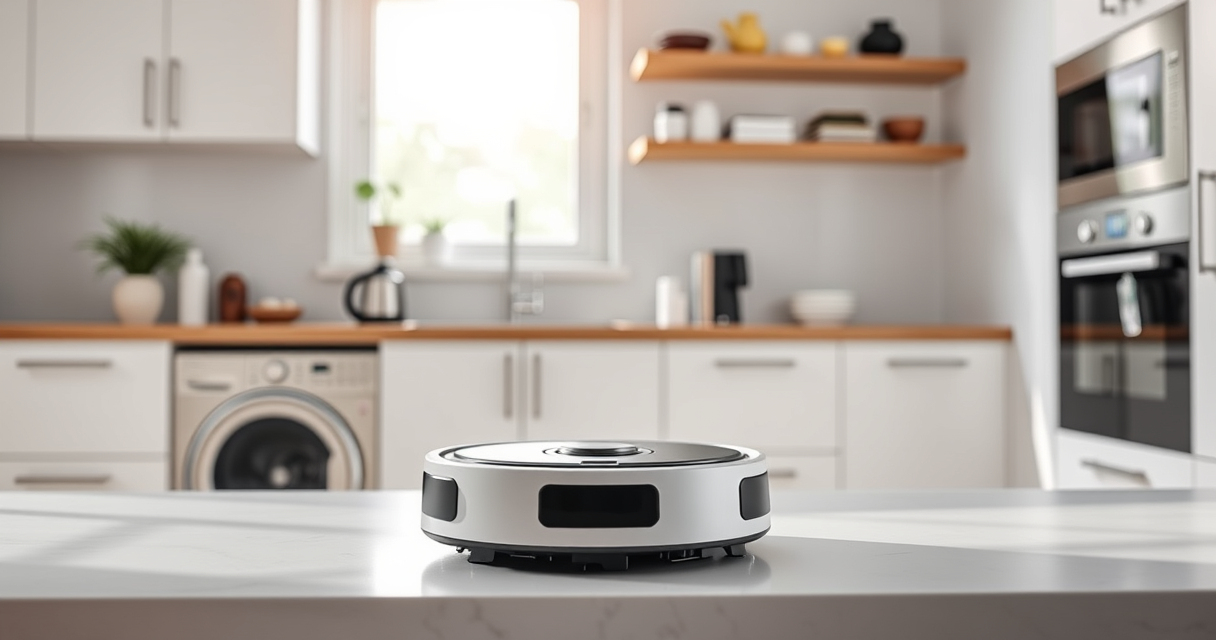
The Roborock Q10 S5+ offers powerful suction and an advanced mopping system. Its self-emptying station and obstacle avoidance make it ideal for busy households and pet owners.
Pros:
- 70 days of maintenance-free cleaning
- 10,000 Pa hyperforce suction
- Dual anti-tangle system
- VibraRise 2.0 sonic mopping
Cons:
- Higher price point
- Requires regular mop pad replacement
- Water system may clog if not maintained
Best for: Pet owners and busy households seeking reliable all-in-one cleaning
Not ideal for: Users on a strict budget or preferring simple vacuuming only
Bottom line: A versatile robot that combines powerful vacuuming with effective mopping, ideal for busy homes.
4 Pack Washable Filter
This 4-pack of washable HEPA filters ensures your Roborock maintains optimal suction and filtration, reducing replacement costs and improving air quality.
Pros:
- Compatible with multiple Roborock models
- Washable and reusable
- Easy to install
- Effective filtration
Cons:
- Requires regular cleaning
- Not OEM, but performs similarly
Best for: Prolonging filter life and maintaining cleaning efficiency
Not ideal for: Users seeking OEM parts or with very specific filtration needs
Bottom line: A cost-effective way to keep your Roborock running smoothly with fresh filters.
Frequently Asked Questions
Why isn’t my Roborock mopping properly?
Common causes include a clogged water system, worn mop pad, or incorrect settings. Follow the troubleshooting steps to resolve these issues.
How often should I clean or replace the mop pad?
For optimal performance, wash the mop pad every 1-3 uses and replace it every 1-3 months depending on usage.
Can I use any water in the tank?
It’s best to use clean, filtered water to prevent clogs and ensure consistent water flow during mopping.
What should I do if water isn’t flowing during mopping?
Check for blockages in the water delivery tube, ensure the water tank is properly installed, and clean any filters or nozzles as needed.
Keep Your Roborock Performing at Its Best
Regular maintenance and troubleshooting can keep your Roborock Q10 S5+ mopping efficiently. By following these steps and tips, you’ll ensure your floors stay spotless with minimal hassle. Remember to check water levels, clean mop pads, and keep the firmware updated for optimal results.
Affiliate disclosure: As an Amazon Associate we earn from qualifying purchases. Prices and availability are accurate as of the time of publishing.
Halloween Picks
halloween
As an affiliate, we earn on qualifying purchases.