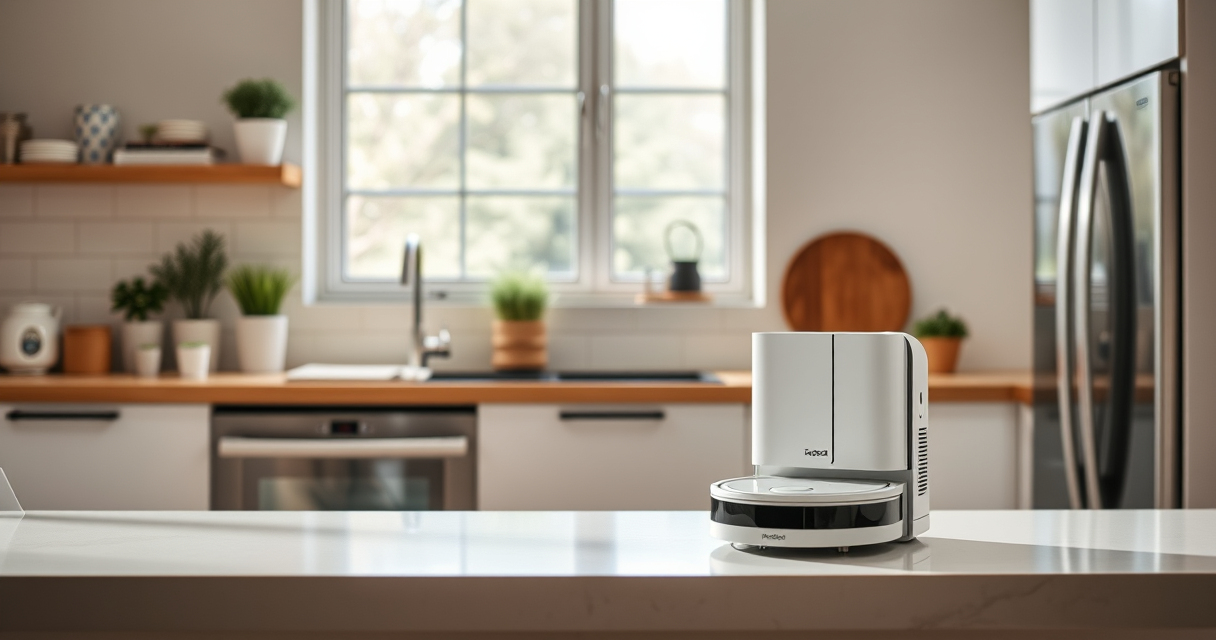
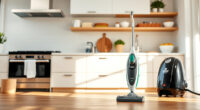
Setting up your new Roborock Q7 M5+ Robot Vacuum and Mop is straightforward but requires attention to detail to ensure it operates safely and efficiently. This guide provides clear, step-by-step instructions to help you get started quickly.

Get cleaning gear delivered free — and shop member deals
- Fast, free delivery on millions of items
- Access to Prime Big Deal Days deals on October 6–7
- Prime Video, Amazon Music and more included
Following these instructions will help you maximize your vacuum’s features, from its powerful suction to its self-emptying capabilities, ensuring your home stays clean with minimal effort.
Key Takeaways
| Powerful cleaning | Up to 9 weeks of self-emptying with a 2.7L dust bag. |
| Advanced navigation | PreciSense LiDAR for precise mapping. |
| Pet-friendly design | Dual Anti-Tangle System reduces hair tangles. |
| App control | Easily manage cleaning schedules via app. |
Prepare Your Workspace and Unbox
- Clear the area around your vacuum’s designated charging station and ensure there are no obstructions.
- Unbox the Roborock Q7 M5+ carefully, removing all protective packaging.
- Check that all accessories, such as the dust bag and mop pads, are included and in good condition.
Charge the Robot
Place the vacuum on its charging dock and connect it to power. Allow it to charge fully before initial use to ensure optimal performance.
This typically takes a few hours, and the device will indicate when fully charged.
Install the Dust Bag and Mop Pads
- Open the dust compartment and insert the 2.7L sealed dust bag securely.
- Attach the included mop pad if you plan to use mopping functions—ensure it is properly fitted onto the bottom of the device.
Download and Set Up the App
Download the Roborock app on your smartphone. Create an account or log in.
Follow the in-app instructions to connect your vacuum to Wi-Fi, ensuring your device is within range, and complete the setup process.
Initial Run and Calibration
- Start your robot via the app or the power button.
- Allow it to perform its initial mapping run—this helps optimize navigation and cleaning paths.
- Review the map in the app and define no-go zones or preferred areas if desired.
The Products in This Guide

roborock Q7 M5+ Robot Vacuum and Mop
- ✔ Weight: 7.4 kg
- ✔ Charging Time: Approx. 3 hours
- ✔ Dimensions: 353 x 350 x 96 mm

4 Pack Washable Filter
- ✔ Weight: Approximately 50g per filter
- ✔ Dimensions: Approx. 10 x 10 cm
- ✔ Material: HEPA filter
roborock Q7 M5+ Robot Vacuum and Mop
The Roborock Q7 M5+ offers powerful suction, self-emptying convenience, and advanced navigation, making it ideal for homes with pets and heavy cleaning needs.
Pros:
- Long-lasting self-emptying (up to 9 weeks)
- High 10000Pa suction power
- Effective pet hair management
- Precise LiDAR navigation
Cons:
- Initial setup may be complex for beginners
- Mopping requires additional mop pads
- Higher price point
Best for: Pet owners, busy households, deep cleaning enthusiasts
Not ideal for: Large households with multiple floors without additional mapping devices
Bottom line: A powerful, user-friendly robot vacuum perfect for pet-friendly homes with long-lasting self-emptying features.
4 Pack Washable Filter
This washable HEPA filter set ensures your Roborock maintains high air quality and suction efficiency, easy to install and clean.
Pros:
- Effective filtration
- Washable & reusable
- Easy to install
- Compatible with multiple models
Cons:
- Requires regular cleaning
- Not OEM for some models
- Replacement every few months
Best for: Maintaining clean air and optimal vacuum performance
Not ideal for: For users looking for OEM-certified filters only
Bottom line: A cost-effective, washable filter that keeps your vacuum performing at its best.
Frequently Asked Questions
How often should I empty the self-emptying dust bag?
The Roborock Q7 M5+ can run for up to 7-9 weeks before needing to be emptied, thanks to its 2.7L dust bag. However, check regularly for optimal performance.
Can I use the robot on multiple floors?
Yes, the PreciSense LiDAR navigation allows the robot to map multiple floors, but you may need to set up separate maps for each level.
How do I update the robot’s firmware?
Connect your vacuum to the Roborock app and navigate to the firmware update section. Follow the prompts to ensure your device has the latest features and fixes.
Is the mop pad compatible with other models?
The included mop pads are designed for the Q7 series and some others. Check compatibility before purchasing additional mop pads.
Getting Your Roborock Up and Running
With proper setup, your Roborock Q7 M5+ will deliver powerful, hands-free cleaning tailored to your home’s needs. Regular maintenance, software updates, and thoughtful mapping will keep it performing at its best for years to come. Enjoy a cleaner, pet-hair-free home with minimal effort!
Affiliate disclosure: As an Amazon Associate we earn from qualifying purchases. Prices and availability are accurate as of the time of publishing.
Halloween Picks
halloween
As an affiliate, we earn on qualifying purchases.