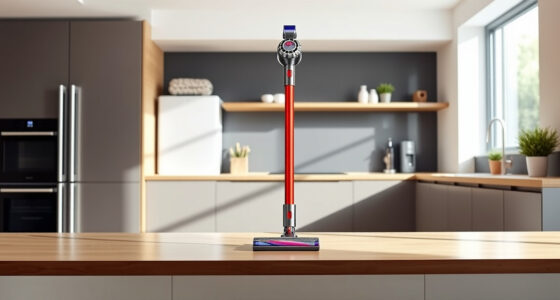

Keeping your Dyson V15 Detect™ Origin cordless vacuum in top shape ensures it delivers powerful cleaning performance every time. Regular maintenance not only prolongs the lifespan of your vacuum but also maintains its suction and functionality. This guide provides clear, practical steps for routine care and troubleshooting common issues.

Get cleaning gear delivered free — and shop member deals
- Fast, free delivery on millions of items
- Access to Prime Big Deal Days deals on October 6–7
- Prime Video, Amazon Music and more included
Whether you’re replacing filters, cleaning the brushes, or addressing performance issues, these instructions are designed to be safe, straightforward, and effective.
Key Takeaways
| Routine Cleaning | Regularly clean filters and brushes for optimal suction. |
| Filter Replacement | Replace filters every 2-3 months to maintain performance. |
| Brush Maintenance | Clear hair and debris from brush bars regularly. |
| Troubleshooting | Identify and fix common issues like loss of suction or motor problems. |
| Safe Handling | Always disconnect from power before maintenance. |
Step 1: Turn Off and Disconnect
Before starting any maintenance, ensure the vacuum is turned off and disconnected from charging or power sources to prevent accidental activation or electric shock.
Step 2: Remove and Clean the Filters
- Locate the pre-filters at the top or side of the vacuum.
- Remove the filters carefully following the user manual instructions.
- Rinse the filters under cold water until clear, avoiding detergents.
- Let the filters air dry completely for at least 24 hours before reinstalling.
Step 3: Check and Clean the Brush Bars
- Detach the cleaner heads, such as the Digital Motorbar or Fluffy Optic, following the manufacturer’s instructions.
- Remove hair, string, or debris wrapped around the brushes using scissors or a cleaning tool.
- Use a damp cloth to wipe the brush bar and surrounding areas.
Step 4: Inspect the Filters and Replace if Necessary
If filters are heavily soiled or damaged, replace them with compatible filters such as the 3Pack Pre Filters or V10 filters, depending on your model.
Troubleshooting Common Issues
- Loss of suction: Check filters and clean or replace them. Ensure no blockages in the wand or cleaner head.
- Vacuum not turning on: Confirm the battery is charged, and the power trigger is engaged properly.
- Unusual noise or vibration: Inspect the brush bar and motor for debris or damage.
The Products in This Guide

Dyson V15 Detect™ Origin Cordless Vacuum
- ✔ Weight: 6.8 lbs
- ✔ Battery type: Rechargeable li-ion
- ✔ Charging time: 3.5 hours

LANMU Crevice Tool Vacuum Attachments Compatible
- ✔ Color: Black
- ✔ Attachment type: Nozzle
- ✔ Cleaning tips: Rinse and dry after use
Dyson V15 Detect™ Origin Cordless Vacuum
The Dyson V15 Detect™ Origin offers exceptional cleaning with its intelligent debris detection and powerful suction. Regular maintenance ensures it continues to perform at its best, with easy steps for filter care, brush cleaning, and troubleshooting.
Pros:
- Excellent suction power
- Advanced filtration system
- Intelligent debris detection
- Versatile cleaning heads
Cons:
- Filters require regular replacement
- Can be heavy for extended use
- Some parts may be costly to replace
Best for: Whole-home deep cleaning, pet hair removal, hard floors, carpets
Not ideal for: Light, quick cleanups or for users seeking ultra-lightweight models
Bottom line: Regular maintenance keeps your Dyson V15 performing at its peak.
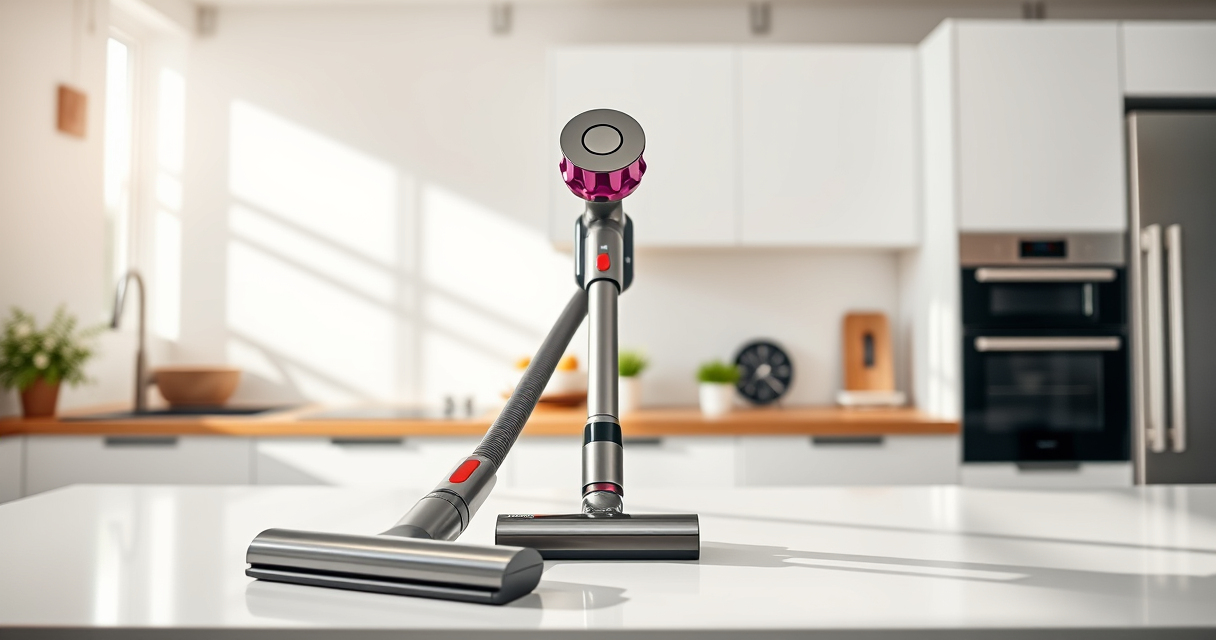
LANMU Crevice Tool Vacuum Attachments Compatible
The LANMU Crevice Tool Vacuum Attachments improve your Dyson’s reach into tight corners and tricky spots, making cleaning more comprehensive and effortless.
Pros:
- Narrow, flexible nozzle
- Easy to attach
- Great for cars and corners
- Compatible with multiple Dyson models
Cons:
- Requires manual cleaning of the nozzle
- May not fit older Dyson models without compatibility check
- Limited to crevice cleaning
Best for: Hard-to-reach spots, car interiors, furniture edges
Not ideal for: Heavy-duty floor cleaning
Bottom line: This crevice tool enhances your Dyson’s versatility for hard-to-reach cleaning.
Frequently Asked Questions
How often should I replace the filters on my Dyson V15?
It is recommended to replace or wash the filters every 2-3 months, depending on usage, to maintain optimal filtration and suction.
Can I clean the filters with soap?
No, it is best to rinse filters with cold water only. Avoid using detergents or hot water, and let them air dry completely before reinstalling.
What should I do if my vacuum has lost suction?
First, check and clean or replace the filters. Also, inspect the wand and cleaner head for blockages or debris that may obstruct airflow.
Is it safe to disassemble the vacuum for maintenance?
Yes, but always ensure the vacuum is unplugged or disconnected from the battery before opening any parts to avoid electric shock or injury.
Maintain Your Dyson for Peak Performance
Regular maintenance of your Dyson V15 Detect™ Origin ensures it continues to deliver powerful, efficient cleaning. Follow these simple steps for filter care, brush cleaning, and troubleshooting to extend its lifespan and keep your home spotless. Always handle parts with care and disconnect from power sources before servicing.
Affiliate disclosure: As an Amazon Associate we earn from qualifying purchases. Prices and availability are accurate as of the time of publishing.
Halloween Picks
halloween
As an affiliate, we earn on qualifying purchases.