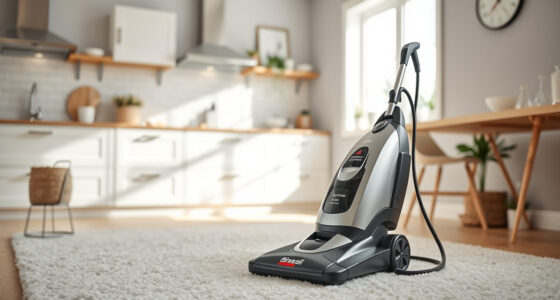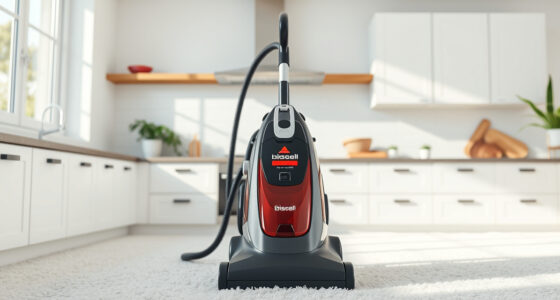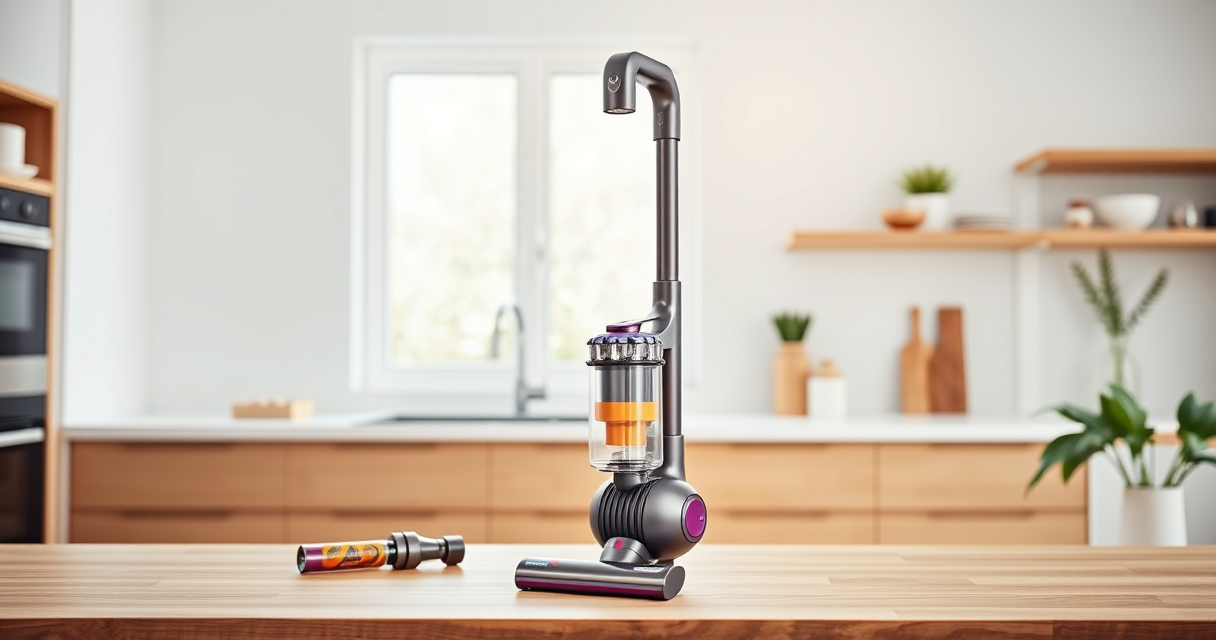

If your Dyson cordless vacuum isn’t providing suction, it can be frustrating and diminish cleaning efficiency. This guide walks you through common causes and practical fixes to restore your device’s power and ensure it works like new.

Get cleaning gear delivered free — and shop member deals
- Fast, free delivery on millions of items
- Access to Prime Big Deal Days deals on October 6–7
- Prime Video, Amazon Music and more included
Following these steps carefully can help you identify the problem, perform safe repairs, and maintain your Dyson V15 Detect™ Origin Cordless Vacuum for optimal performance.
Key Takeaways
| Check for blockages | Blocked hoses or filters can cause loss of suction. |
| Inspect filters | Dirty or clogged filters significantly reduce suction power. |
| Examine the brush bar | Hair or debris wrapped around the brush can obstruct airflow. |
| Verify the battery and power | Low battery or power mode issues may affect suction. |
| Ensure proper assembly | Loose attachments or misaligned parts can impact performance. |
Step 1: Turn Off and Unplug the Vacuum
Before inspecting or fixing your Dyson, ensure the vacuum is turned off and disconnected from any charging source to prevent accidental activation or injury.
Step 2: Check for Blockages
- Remove the wand and cleaner head from the main body.
- Inspect the wand, hose, and cleaner head for debris or obstructions.
- Clear any blockages carefully using your fingers or a long, flexible brush.
- Ensure all parts are free of dust and debris.
Step 3: Clean or Replace Filters
Dirty filters can restrict airflow, reducing suction. Remove the pre-filter and other filters, then wash them with water. Allow them to dry completely before reinstalling. Consider replacing filters if they are damaged or overly dirty.
Step 4: Check the Brush Bar and Attachments
Remove the brush head and examine the brush bar for tangled hair or debris. Clear any obstructions and ensure the brush spins freely. Check attachments for cracks or damage, replacing if necessary.
Step 5: Test Power and Assembly
Reassemble the vacuum, ensuring all parts click into place securely. Turn the vacuum back on and test suction. If the problem persists, consider the battery level and power mode settings.
The Products in This Guide

Dyson V15 Detect™ Origin Cordless Vacuum
- ✔ Run time: 60 mins
- ✔ Weight: 6.8 lbs
- ✔ Filtration: HEPA and washable filters

LANMU Crevice Tool Vacuum Attachments Compatible
- ✔ Compatibility: Multiple Dyson models
- ✔ Material: Plastic
- ✔ Length: 12 inches
Dyson V15 Detect™ Origin Cordless Vacuum
The Dyson V15 Detect™ Origin Cordless Vacuum offers powerful suction, intelligent debris detection, and a long battery life. Its design makes troubleshooting straightforward, but blockages and filters are common culprits for suction issues.
Pros:
- Powerful cleaning performance
- Intelligent dust detection
- Long battery life
- Multiple cleaning modes
Cons:
- Filters need regular cleaning
- Can be heavy for some users
- Attachments may clog if not maintained
Best for: Whole-home deep cleaning and pet hair removal
Not ideal for: Light-duty quick cleans or for users preferring smaller, lighter vacuums
Bottom line: Reliable, intelligent cordless vacuum ideal for comprehensive home cleaning.
LANMU Crevice Tool Vacuum Attachments Compatible
The LANMU Crevice Tool Vacuum Attachments are compatible with Dyson models, including the V15. Its slim and flexible design makes it easy to reach into small or hard-to-access areas, significantly aiding in troubleshooting suction issues caused by debris buildup in corners or tight spaces.
Pros:
- Narrow nozzle for tight spots
- Compatible with multiple Dyson models
- Easy to attach and use
- Effective at removing dust
Cons:
- May not fit older Dyson models
- Limited to crevice cleaning
- Requires manual cleaning of the nozzle
Best for: Cleaning corners, car interiors, and tight spaces
Not ideal for: Large debris or heavy-duty cleaning
Bottom line: An essential tool to reach difficult corners and improve suction flow.
Frequently Asked Questions
Why does my Dyson vacuum have no suction?
Common causes include blockages in the wand or hose, dirty filters, tangled debris in the brush bar, or improper assembly. Follow the troubleshooting steps to identify and fix the issue.
How often should I clean or replace filters?
Filters should be washed and dried every 1-3 months depending on usage. Replace filters if they show signs of damage or persistent clogging.
Can I fix suction loss myself?
Yes, most issues like blockages and dirty filters can be resolved easily at home by following safe, step-by-step procedures. For persistent problems, contact Dyson support.
Is it safe to wash filters with water?
Yes, Dyson filters are washable. Rinse them gently with water, then dry completely before reinstalling to prevent damage and maintain suction.
Keeping Your Dyson Vacuum at Peak Performance
Regular maintenance, including clearing blockages and cleaning filters, is key to ensuring your Dyson cordless vacuum maintains strong suction. Troubleshooting no suction issues can often be straightforward, saving you time and effort while keeping your home impeccably clean.
Always follow safety precautions when inspecting or cleaning your vacuum, and consult the user manual or support if problems persist. With proper care, your Dyson V15 Detect™ Origin can deliver powerful, reliable cleaning for years to come.
Affiliate disclosure: As an Amazon Associate we earn from qualifying purchases. Prices and availability are accurate as of the time of publishing.
Halloween Picks
halloween
As an affiliate, we earn on qualifying purchases.