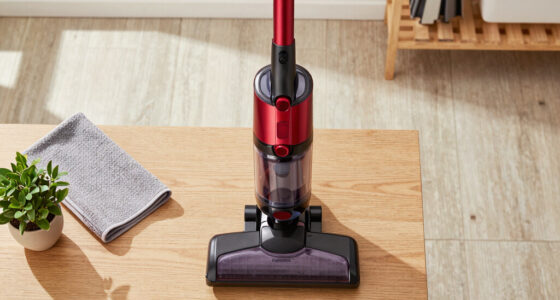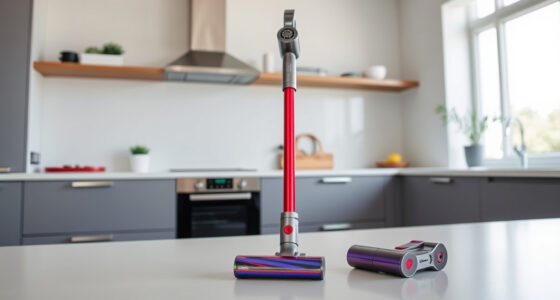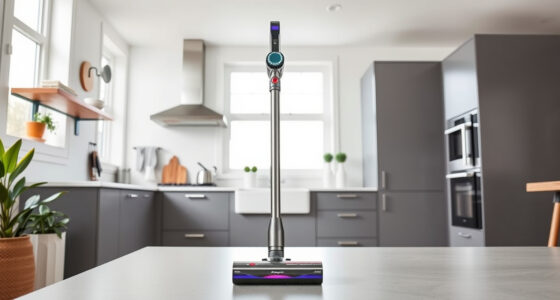
If your Dyson V15 Detect™ Origin cordless vacuum is losing battery life quickly, it can be frustrating. Fortunately, many issues related to battery drain are fixable with simple troubleshooting and maintenance steps. This guide provides clear, safe procedures to extend your vacuum’s run time and keep it performing at its best.

Get cleaning gear delivered free — and shop member deals
- Fast, free delivery on millions of items
- Access to Prime Big Deal Days deals on October 6–7
- Prime Video, Amazon Music and more included
Before diving into complex repairs, ensure you follow safety precautions, including unplugging the device and handling parts carefully. Regular maintenance, especially replacing filters and cleaning components, often significantly improves battery performance.
Key Takeaways
| Battery Maintenance | Regularly check and replace filters to ensure optimal battery efficiency. |
| Cleaning Components | Clean dust and debris from filters and motor parts for better airflow. |
| Proper Usage | Use the vacuum only on appropriate surfaces and avoid prolonged low battery operation. |
| Battery Replacement | Consider replacing the battery if it no longer holds a charge after maintenance. |
Check and Replace Filters
- Remove the pre-filters from your Dyson vacuum. Refer to your model’s manual if needed.
- Inspect the filters for dirt buildup or damage.
- If dirty, rinse the filters with water and let them air dry completely, typically 24 hours.
- Replace the filters if they are damaged or excessively dirty to restore suction and battery efficiency.
Clean the Vacuum Components
- Remove the cleaner heads and brush out any hair or debris tangled in the brush bar.
- Use a damp cloth to wipe the inside of the cyclone and filter housing.
- Ensure all parts are dry before reassembling to prevent moisture damage.
Optimize Battery Usage
Always use the vacuum on the appropriate power mode for your task. The LCD screen displays remaining run time, so monitor it during cleaning. Avoid running the vacuum on low battery for extended periods, as this can degrade the battery’s lifespan over time.
Replace the Battery if Needed
If your vacuum’s run time remains short after cleaning and filter replacement, consider replacing the battery. Consult Dyson’s official repair options or authorized service centers for compatible batteries. Do not attempt to open or repair the battery yourself to avoid safety hazards.
Additional Tips and Warnings
- Always disconnect the vacuum from charging before cleaning or replacing parts.
- Use only recommended filters and accessories to prevent damage.
- Keep the vacuum stored in a cool, dry place to prolong battery health.
- Warning: Do not attempt to disassemble the battery or charger components yourself, as this poses safety risks.
The Products in This Guide

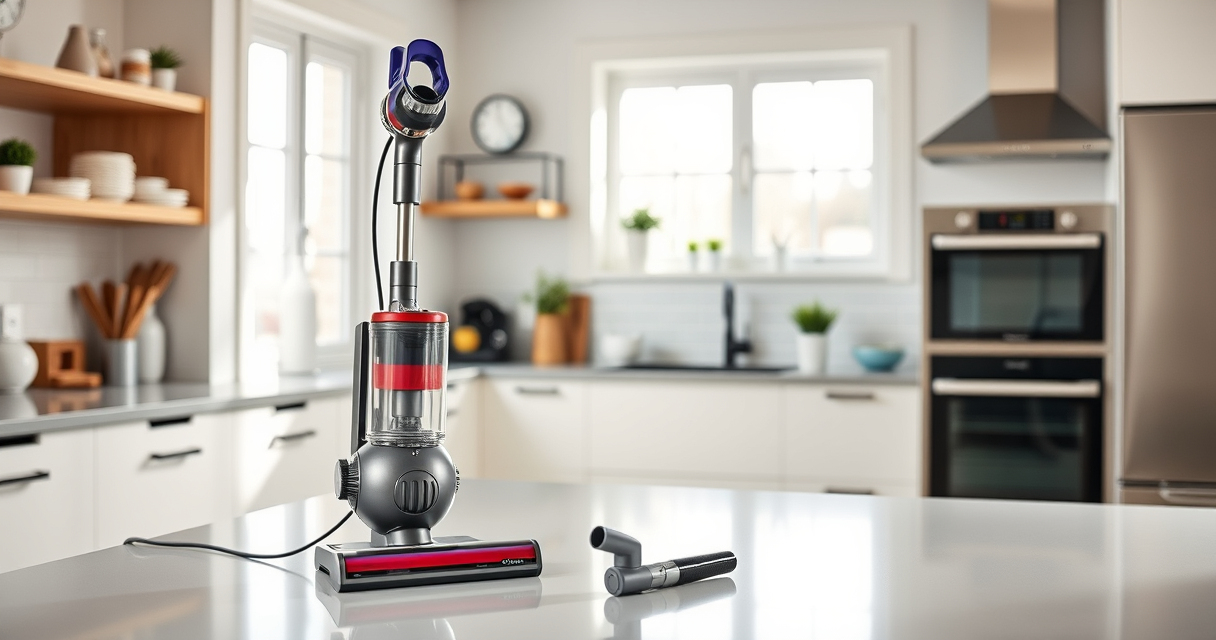
Dyson V15 Detect™ Origin Cordless Vacuum
- ✔ Weight: 3.1 kg
- ✔ Charge Time: 3.5 hours
- ✔ Run Time: Up to 60 minutes

LANMU Crevice Tool Vacuum Attachments Compatible
- ✔ Replaces Part: 965661-01
- ✔ Filter Material: Double-layer
- ✔ Washable: Yes
Dyson V15 Detect™ Origin Cordless Vacuum
The Dyson V15 Detect™ Origin offers deep cleaning with advanced features, but battery longevity can sometimes decline. Regular maintenance and proper usage help maximize performance.
Pros:
- Long 60-minute runtime
- Intelligent power adaptation
- LCD screen display
- Powerful suction
Cons:
- Battery may degrade over time
- Filters require regular cleaning
- Battery replacement can be costly
Best for: Homeowners seeking a powerful, versatile cordless vacuum with smart features
Not ideal for: If you prefer simple, no-maintenance devices or have limited access to replacement parts
Bottom line: Regular maintenance and careful usage are key to preventing rapid battery drain on your Dyson V15 Detect™ Origin.
LANMU Crevice Tool Vacuum Attachments Compatible
Replacing your Dyson filters regularly can significantly improve battery life and suction. The LANMU 3-Pack pre filters are compatible with multiple Dyson models and ensure your vacuum stays at peak performance.
Pros:
- Easy to install
- Enhances suction
- Cost-effective
- Reusable after rinsing
Cons:
- Needs replacement every 2-3 months
- Only compatible with certain models
- Requires water and drying time
Best for: Maintaining optimal airflow and prolonging vacuum lifespan
Not ideal for: If you prefer plug-and-play filters or are not comfortable rinsing filters
Bottom line: Regular filter maintenance is essential for preventing battery drain and maintaining suction power.
Frequently Asked Questions
Why does my Dyson vacuum’s battery drain so quickly?
Battery drain can be caused by clogged filters, dirty components, or worn-out batteries. Regular maintenance and filter replacements help improve battery life.
How often should I replace the filters?
It is recommended to replace or clean filters every 2-3 months, depending on usage, to ensure optimal airflow and battery performance.
Can I replace the battery myself?
Battery replacement is possible but should be done carefully. For safety and compatibility, consider professional replacement through Dyson or authorized service providers.
What should I do if cleaning filters doesn’t improve battery life?
If cleaning filters and maintaining components doesn’t help, the battery may be degraded and require replacement. Consult Dyson support for options.
Keep Your Dyson V15 Detect™ Performing at Its Best
Regular maintenance, including cleaning filters and components, is vital for preventing rapid battery drain. When necessary, replacing the battery can restore your vacuum’s runtime. Follow safe procedures and consider professional help for battery replacements, ensuring your Dyson stays powerful and reliable for years to come.
Affiliate disclosure: As an Amazon Associate we earn from qualifying purchases. Prices and availability are accurate as of the time of publishing.
Halloween Picks
halloween
As an affiliate, we earn on qualifying purchases.