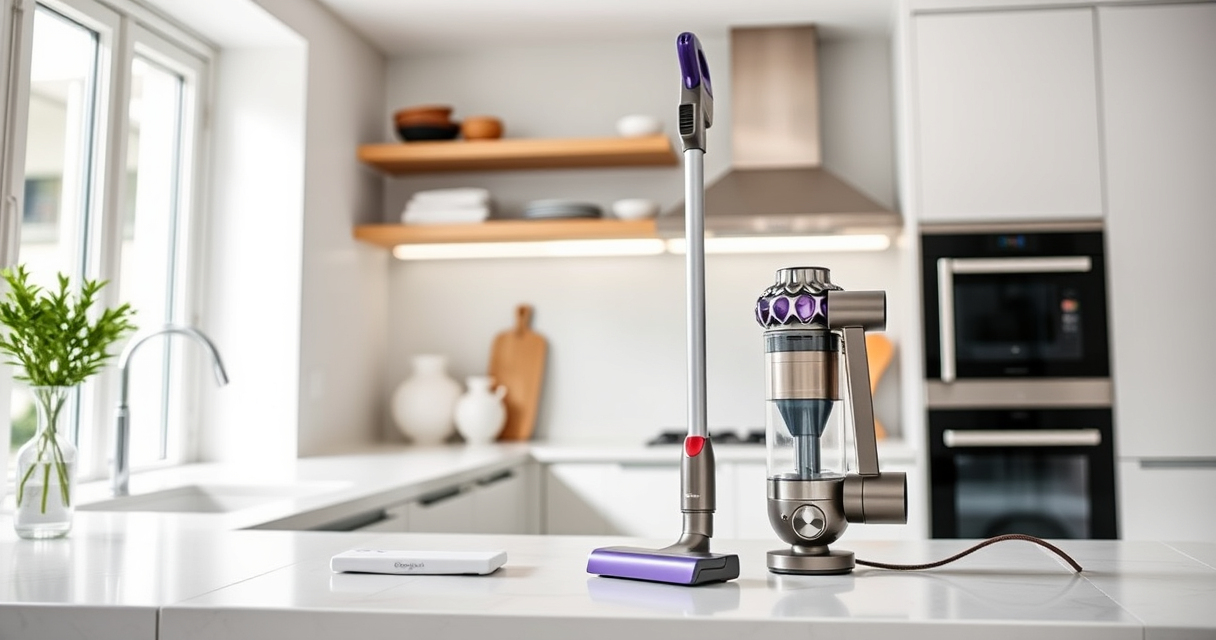
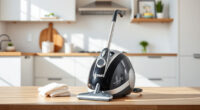
If your Dyson V15 Detect™ Origin cordless vacuum isn’t providing the usual suction power, it can be frustrating—especially when you’re in the middle of cleaning. Often, the issue is related to clogged filters, blockages, or debris buildup. Fortunately, many problems can be fixed with some simple troubleshooting steps, helping your vacuum work like new again.

Get cleaning gear delivered free — and shop member deals
- Fast, free delivery on millions of items
- Access to Prime Big Deal Days deals on October 6–7
- Prime Video, Amazon Music and more included
In this guide, you’ll find practical, safe, and easy-to-follow instructions to restore suction and ensure your Dyson performs optimally.
Key Takeaways
| Check and clean filters regularly | Clogged filters reduce suction efficiency. |
| Inspect for blockages | Debris or obstructions in the wand or cleaner head can cause suction loss. |
| Clear the brush bar and nozzle | Hair and debris can tangibly block airflow. |
| Ensure the cyclone and bin are empty | Full bin or blocked cyclone impacts performance. |
| Replace worn filters periodically | Old or damaged filters diminish suction power. |
Step 1: Power Off and Prepare
- Turn off and unplug your Dyson vacuum to ensure safety.
- Remove the wand and cleaner head to access internal components.
Step 2: Check and Clean the Filters
The Dyson V15 Detect™ uses filters that can clog over time, reducing suction.
- Remove the pre-filter and main filter from the vacuum as per the user manual.
- Rinse filters under cold water until clean. Do not use detergents.
- Let filters air dry completely (at least 24 hours) before reinstalling.
Step 3: Clear Blockages in Wand and Cleaner Head
- Inspect the wand and cleaner head for debris or hair blocking airflow.
- Use a long, thin object or the crevice tool to dislodge obstructions.
- Check the Digital Motorbar cleaner head for tangled hair and remove it carefully.
Step 4: Empty the Bin and Clean Cyclone
- Remove and empty the dust bin into a trash bag.
- Clean the cyclone by rinsing it with water if recommended, ensuring it is completely dry before reassembly.
Step 5: Reassemble and Test
Reinstall all components, turn on your vacuum, and test it on a small area. If suction improves, your vacuum is ready for regular use.
The Products in This Guide

Dyson V15 Detect™ Origin Cordless Vacuum
- ✔ Model: V15 Detect™ Origin
- ✔ Type: Cordless stick vacuum
- ✔ Color: Origin

LANMU Crevice Tool Vacuum Attachments Compatible
- ✔ Attachment Type: Crevice tool
- ✔ Material: Plastic
- ✔ Compatibility: Multiple Dyson models
Dyson V15 Detect™ Origin Cordless Vacuum
The Dyson V15 Detect™ Origin offers powerful, intelligent cleaning with features like an LCD screen and advanced cleaner heads. Regular maintenance, including filter cleaning and clearing blockages, ensures optimal suction.
Pros:
- Powerful suction with 100% more power
- Intelligent debris detection
- Long 60-minute run time
- Multiple cleaning heads included
Cons:
- Filters require periodic cleaning
- Heavier than some handhelds
- May need filter replacement over time
Best for: Whole-home deep cleaning, pet hair, hard floors
Not ideal for: Light, quick spot cleaning or small apartments
Bottom line: Regular maintenance keeps your Dyson V15 performing at its best.
LANMU Crevice Tool Vacuum Attachments Compatible
This crevice tool attachment is compatible with Dyson models including the V15 and Outsize, making it easier to clean tight corners and small spaces effectively.
Pros:
- Narrow nozzle for tight spots
- Flexible and easy to maneuver
- Suitable for cars, sofas, and baseboards
- Durable build
Cons:
- Additional attachment to store
- Not compatible with V6 or canister models
Best for: Cleaning corners, car interiors, and upholstery
Not ideal for: Large open areas or wide surfaces
Bottom line: Enhances your Dyson’s reach into tight spots and corners.
Frequently Asked Questions
Why is my Dyson vacuum losing suction?
Common reasons include clogged filters, blockages in the wand or cleaner head, a full dust bin, or worn filters. Regular maintenance usually resolves these issues.
How often should I clean or replace filters?
Filters should be rinsed and dried thoroughly every 1-3 months, depending on usage. Replace filters if they become damaged or excessively worn.
Can I wash the cyclone or bin?
Yes, you can rinse the cyclone and dust bin with water, ensuring they are completely dry before reassembling to prevent damage.
What should I do if cleaning doesn’t restore suction?
If cleaning and filter maintenance don’t help, check for broken parts or blockages deeper in the airflow path. Contact Dyson support if needed.
Keep Your Dyson Performing at Its Best
Regularly maintaining your Dyson V15 Detect™ Origin, especially cleaning filters and checking for blockages, can prevent suction issues and prolong its lifespan. Following these troubleshooting steps ensures your vacuum continues to deliver powerful, efficient cleaning for your home.
Affiliate disclosure: As an Amazon Associate we earn from qualifying purchases. Prices and availability are accurate as of the time of publishing.
Fall Picks
fall essentials
As an affiliate, we earn on qualifying purchases.