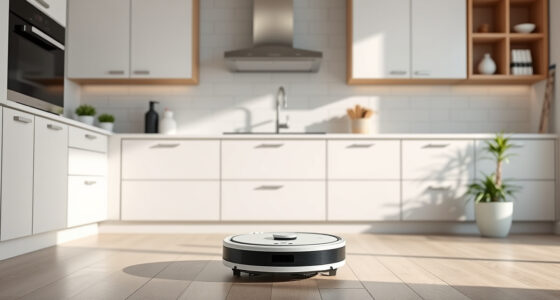
If your Roborock Q10 S5+ robot vacuum isn’t mopping as it should, it can be frustrating, especially given its advanced features like Sonic Mopping and auto mop lifting. Several factors can cause this issue, from clogged mop pads to software glitches. Fortunately, many problems are simple to diagnose and fix with step-by-step guidance.

Get cleaning gear delivered free — and shop member deals
- Fast, free delivery on millions of items
- Access to Prime Big Deal Days deals on October 6–7
- Prime Video, Amazon Music and more included
In this guide, you’ll learn the common causes of mopping failures and how to troubleshoot them safely and effectively, ensuring your robot returns to pristine floors quickly.
Key Takeaways
| Clogged Mop Pads | Dirty or blocked mop pads prevent proper mopping. |
| Incorrect Setup | Ensure the mop is properly installed and activated. |
| Software Glitches | Firmware or app issues can disable mopping. |
| Sensor Obstructions | Obstacles or debris may interfere with mopping. |
| Low Water Level | Insufficient water reduces mopping effectiveness. |
Check the Mop Pad and Water Tank
- Turn off the robot and remove the mop cloth. Inspect it for dirt, lint, or debris. Wash or replace if necessary.
- Verify the water tank has enough clean water. Refill if low, ensuring it clicks securely into position.
- Ensure the mop is correctly attached and that the auto mop lifting feature is engaged.
Ensure Proper Setup and Activation
- Open the Roborock app and confirm the mopping mode is selected and enabled.
- Check that the mop lift is functioning—if it’s stuck or disabled, mopping may not activate.
- Restart the robot after adjustments and start a new cleaning cycle.
Clear Sensor and Path Obstructions
- Inspect the robot’s sensors and bumper area for dust or debris. Clean gently with a soft cloth.
- Remove any obstacles or cords in the cleaning path that could hinder mopping.
- Ensure the robot’s obstacle avoidance features aren’t disabled or malfunctioning.
Update Firmware and Reset if Necessary
- Check for firmware updates via the Roborock app and install if available.
- If issues persist, perform a soft reset: turn off the robot, wait 10 seconds, then turn it back on.
- Start a test mopping cycle to see if the problem is resolved.
Additional Tips and Warnings
- Always use the recommended mop pads and water levels to prevent damage.
- Avoid using abrasive cleaners on the mop cloth or sensors.
- If problems persist after troubleshooting, contact Roborock support for assistance.
The Products in This Guide

roborock Q10 S5+ Robot Vacuum and Mop
- ✔ Max Noise Level: 65dB
- ✔ Charging Time: Approx. 6 hrs
- ✔ Dimensions: 350mm x 96mm

4 Pack Washable Filter
- ✔ Washable: Yes
- ✔ Replacements Needed: Every 1-3 months
- ✔ Material: HEPA
roborock Q10 S5+ Robot Vacuum and Mop
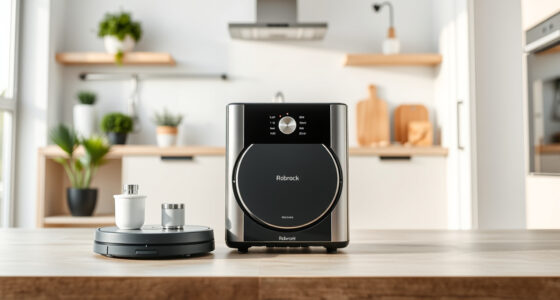
The Roborock Q10 S5+ offers 10,000 Pa suction, obstacle avoidance, sonic mopping, and a self-emptying station, making it a comprehensive cleaning solution. Proper maintenance ensures it stays effective.
Pros:
- Strong suction power
- Self-emptying feature
- Obstacle avoidance
- Dual anti-tangle design
Cons:
- Mopping may sometimes fail if not properly set
- Requires regular cleaning of mop and sensors
Best for: Pet owners and busy households seeking thorough cleaning
Not ideal for: Users who prefer manual cleaning or have very low water levels
Bottom line: A high-powered, smart robot with effective self-maintenance features.
4 Pack Washable Filter
Replacing or upgrading your filters can enhance overall performance, especially if your mopping still isn’t effective after troubleshooting. This washable filter pack fits multiple Roborock models and is easy to maintain.
Pros:
- Compatible with many models
- Washable and reusable
- Maintains strong suction
- Ensures clean air flow
Cons:
- Not OEM, may vary slightly in fit
- Requires regular washing
Best for: Maintaining optimal filtration and airflow
Not ideal for: Users seeking OEM parts only
Bottom line: A cost-effective way to keep your vacuum performing at its best.
Frequently Asked Questions
Why isn’t my Roborock Q10 S5+ mopping?
Common causes include a clogged mop pad, low water level, sensor obstructions, or software glitches. Follow the troubleshooting steps in this guide to identify and fix the issue.
How often should I replace the mop pads?
It’s recommended to replace or wash the mop pads every 1 to 3 months, depending on usage and dirt levels. Reusable microfiber pads can be washed and reused multiple times.
Can I use any water in the tank?
Use clean, room-temperature water suitable for mopping. Avoid additives or cleaning solutions unless specified by Roborock, as they may damage the machine.
How do I update the firmware?
Open the Roborock app, connect to your device, and check for firmware updates under device settings. Follow prompts to install any available updates.
Bring Your Roborock Back to Mopping Power
With these troubleshooting steps, you can resolve most issues preventing your Roborock Q10 S5+ from mopping effectively. Regular maintenance, proper setup, and keeping firmware updated will ensure your robot performs at its best, delivering pristine floors with minimal effort.
Affiliate disclosure: As an Amazon Associate we earn from qualifying purchases. Prices and availability are accurate as of the time of publishing.
Halloween Picks
halloween
As an affiliate, we earn on qualifying purchases.