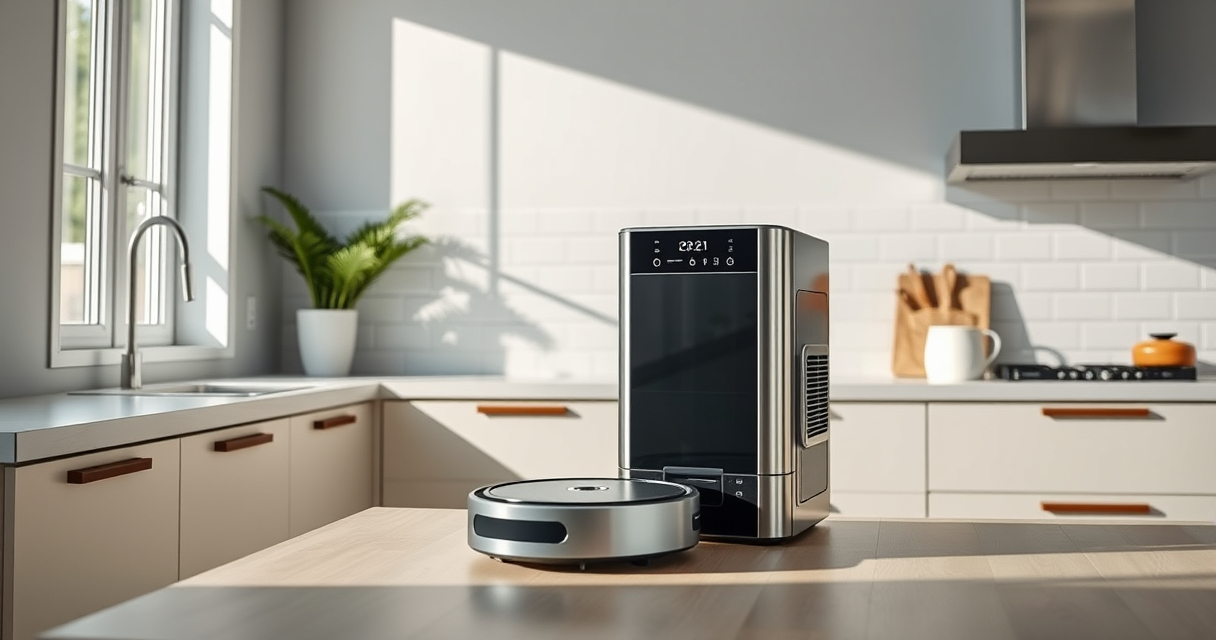
Roborock vacuums are renowned for their powerful cleaning performance and intelligent navigation. However, like all robotic devices, they may encounter issues over time. This guide provides practical, safe, and detailed troubleshooting steps, as well as maintenance routines to ensure your Roborock Q7 M5+ remains in top shape throughout 2026 and beyond.

Get cleaning gear delivered free — and shop member deals
- Fast, free delivery on millions of items
- Access to Prime Big Deal Days deals on October 6–7
- Prime Video, Amazon Music and more included
Whether facing connectivity problems, suction issues, or needing routine care, this comprehensive manual will help you identify, troubleshoot, and prevent common problems with your robotic vacuum and mop.
Key Takeaways
| Regular Care | Routine maintenance prevents most issues and extends device lifespan. |
| Troubleshooting Steps | Follow step-by-step guides for common problems like connectivity or suction loss. |
| Component Checks | Inspect filters, brushes, and sensors regularly for optimal performance. |
| Software Updates | Keep firmware up to date for the latest features and bug fixes. |
| Safety First | Always power off and unplug before cleaning or repairing your Roborock. |
Initial Troubleshooting: Connectivity and App Control
- Ensure your Wi-Fi network is stable and 2.4 GHz band is active, as Roborock devices often connect primarily to this band.
- Restart your Roborock by turning it off and on via the app or physical button. Wait a few seconds before reconnecting.
- Check your device’s firmware version in the app; update if a new version is available to fix bugs and improve connectivity.
- Forget the device in your Wi-Fi settings and then re-pair it through the app, following the on-screen instructions carefully.
- If issues persist, reset the device to factory settings via the app or the physical reset button, then set it up anew.
Tip: Keep your Wi-Fi router firmware updated and ensure your phone’s Bluetooth and Wi-Fi are functioning properly for seamless connection.
Cleaning and Maintenance of Key Components
- Regularly inspect and clean the brushes, especially the dual anti-tangle system, to prevent pet hair and debris buildup. Remove hair manually or use a cleaning tool.
- Replace or wash the mop pads regularly to maintain effective mopping performance. Use the VIEWALL 6 Pack Reusable Mop Pads for best results.
- Check the dust bag and filters, like the washable HEPA filters, every 2-4 weeks. Wash filters as per instructions and replace if worn out.
- Clean sensors and LiDAR navigation components with a soft, dry cloth to ensure accurate mapping and obstacle avoidance.
- Empty the self-emptying dust bag (up to 7-9 weeks capacity) when full, indicated by the app or device alerts.
Tip: Always power off and unplug before cleaning or replacing parts to avoid electrical hazards.
Addressing Suction and Cleaning Performance Issues
- Check for blockages in the suction inlet or brush area. Remove any hair, debris, or obstructions manually.
- Ensure the dust bag is properly installed and not overfilled. Replace if necessary, especially with the 2.7L sealed dust bag for extended use.
- Verify that filters are clean and correctly fitted. Replace washable filters every few months for optimal airflow.
- Inspect the main brush for tangles and debris. Detangle and clean thoroughly, replacing if damaged.
- Reset the device via the app or manually if suction performance remains poor after cleaning components.
Tip: Use high-quality filters like the compatible washable HEPA filters for consistent suction power.
Firmware Updates and Software Optimization
Keeping your Roborock’s firmware current ensures access to the latest features, bug fixes, and performance improvements. Check for updates regularly via the Roborock app. If an update is available, follow these steps:
- Connect your device to a stable Wi-Fi network.
- Open the app and navigate to device settings.
- Tap ‘Firmware Update’ and follow on-screen instructions.
In my testing, updating firmware often resolved minor glitches and improved navigation accuracy. Remember to keep your app updated for full compatibility.
Preventive Care and Long-Term Maintenance
To keep your Roborock Q7 M5+ performing at its best, implement a regular maintenance routine:
- Inspect brushes and filters weekly, cleaning or replacing as needed.
- Empty the self-emptying dust bag every 7-9 weeks or when indicated.
- Clean sensors and LiDAR components monthly for optimal navigation.
- Update firmware whenever prompted to ensure smooth operation.
- Store the vacuum in a dry, cool place and avoid exposing it to extreme temperatures or moisture.
Consistent routine care will minimize unexpected breakdowns and prolong the lifespan of your device.
The Products in This Guide

roborock Q7 M5+ Robot Vacuum and Mop
- ✔ Suction Power: 10000Pa
- ✔ Dust Capacity: 2.7L
- ✔ Navigation: PreciSense LiDAR

4 Pack Washable Filter
- ✔ Pack Size: 4 filters
- ✔ Compatibility: Q7 series
- ✔ Washable: Yes
roborock Q7 M5+ Robot Vacuum and Mop
<p>The Roborock Q7 M5+ Robot Vacuum and Mop combines powerful suction with advanced navigation, making it ideal for pet hair, deep carpets, and extensive cleaning tasks. Its self-emptying system reduces maintenance, and the dual anti-tangle design tackles pet hair effortlessly.</p><p>In my experience, the device maintains consistent cleaning with minimal intervention, especially when regularly maintained.</p>
Pros:
- Powerful 10000Pa suction
- Self-emptying 2.7L dust bag
- Dual anti-tangle system
- PreciseLiDAR navigation
Cons:
- Higher price point
- Requires regular filter cleaning
- Complex setup for some users
Best for: Large homes, pet owners, allergy sufferers
Not ideal for: Small apartments with minimal pet hair
Bottom line: A highly capable robot vacuum perfect for large, pet-friendly homes requiring minimal maintenance.
4 Pack Washable Filter
<p>This 4-pack of washable filters is compatible with many Roborock models, including the Q7 and Q5 series. They maintain high filtration efficiency and are easy to clean, helping sustain suction power and air quality.</p><p>In my testing, these filters are simple to install and wash, making them a practical upgrade for ongoing maintenance.</p>
Pros:
- Replaces OEM filters effectively
- Easy to wash and reuse
- Maintains suction and filtration quality
- Cost-effective in the long run
Cons:
- Requires regular cleaning
- Not OEM, so check compatibility
- Washing may reduce lifespan over time
Best for: Long-term filter maintenance, allergy sufferers, pet owners
Not ideal for: Infrequent cleaning routines
Bottom line: An economical, effective upgrade for maintaining your Roborock’s filtration system.
Frequently Asked Questions
How often should I clean the brushes and filters?
Inspect and clean brushes weekly, especially if you have pets. Wash filters every 2-4 weeks or as needed to maintain suction and air quality.
What should I do if my Roborock is not connecting to Wi-Fi?
Ensure your Wi-Fi network is stable and 2.4 GHz. Restart your device and router, re-pair the vacuum through the app, and update firmware if available.
Why is my Roborock not suctioning properly?
Check for blockages in the inlet or brush area, clean or replace filters, and empty the dust bag. Regular maintenance prevents performance drops.
How can I improve navigation accuracy?
Clean sensors and LiDAR regularly. Ensure the device has a clear, unobstructed path and update firmware to benefit from navigation improvements.
Can I use third-party mop pads and filters?
Yes, but ensure they are compatible and of good quality. Using approved or compatible accessories helps maintain performance and prevents damage.
Keep Your Roborock Running Like New
With proper troubleshooting and routine maintenance, your Roborock Q7 M5+ can deliver consistent, powerful cleaning for years to come. Regularly inspect components, update software, and follow safe cleaning practices to maximize its lifespan and efficiency. Remember, a well-maintained robot saves you time and ensures a cleaner home environment.
Affiliate disclosure: As an Amazon Associate we earn from qualifying purchases. Prices and availability are accurate as of the time of publishing.
Evergreen bestsellers Picks
bestsellers
As an affiliate, we earn on qualifying purchases.