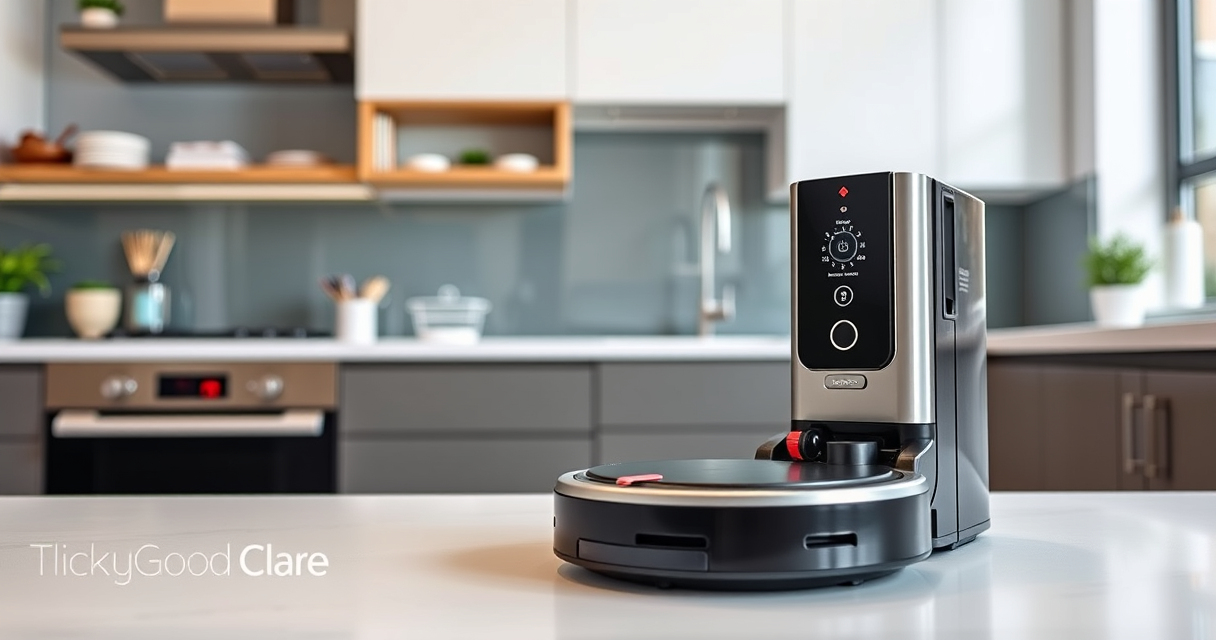
Keeping your Roborock Saros 10 in top condition ensures optimal cleaning performance and longevity. Regular cleaning involves both external maintenance and internal checks to prevent issues and maintain suction power. This guide provides clear, practical steps to clean your robot vacuum safely and effectively.

Get cleaning gear delivered free — and shop member deals
- Fast, free delivery on millions of items
- Access to Prime Big Deal Days deals on October 6–7
- Prime Video, Amazon Music and more included
Follow these instructions carefully to avoid damaging delicate parts and to ensure your device continues to serve you well for months to come.
Key Takeaways
| Routine Maintenance | Regularly clean brushes, filters, and sensors. |
| Safety First | Always power off before cleaning internal components. |
| Use recommended cleaning tools to avoid damage. | |
| Troubleshooting | Address common issues like poor suction or tangling. |
Preparing to Clean
- Power off your Roborock Saros 10 and unplug it from the charging dock to prevent accidental activation.
- Gather cleaning supplies: a soft microfiber cloth, a small brush, water, and mild cleaning solution if necessary.
Cleaning the Exterior and Sensors
- Use a dry microfiber cloth to wipe the outer surface, including the bumper and side brushes.
- Gently clean sensors and charging contacts with a soft brush or dry cloth to ensure accurate navigation.
Cleaning the Main Brush and Side Brushes
- Remove the main brush carefully following the manufacturer’s instructions.
- Use a small brush or your fingers to remove tangled hair, pet hair, and debris from the brush and its housing.
- Wash the brush with water if washable—ensure it is completely dry before reinstallation.
- Clean the side brushes similarly, removing hair and dust buildup.
Checking and Replacing Filters
- Remove the dustbin and empty it thoroughly.
- Take out the filter and tap it gently to remove dust. Rinse washable filters with water if applicable, then let them dry completely before reinserting.
- Consider replacing filters periodically; a 4 Pack Washable Filter is recommended for sustained performance.
Maintaining Internal Components and Troubleshooting
Inspect internal parts like the suction inlet and wheel areas for debris. Use a soft brush or cloth for cleaning. If the vacuum has reduced suction or tangling issues, check for blockages and clear them. Regular maintenance prevents common problems and prolongs device life.
The Products in This Guide

roborock Q7 M5+ Robot Vacuum and Mop
- ✔ Model: Q7 M5+
- ✔ Battery Life: up to 9 weeks
- ✔ Navigation: PreciSense LiDAR

4 Pack Washable Filter
- ✔ Pack Size: 4 filters
- ✔ Washable: Yes
- ✔ Compatibility: Multiple Roborock models
roborock Q7 M5+ Robot Vacuum and Mop
<p>The Roborock Q7 M5+ Robot Vacuum and Mop combines powerful suction with advanced navigation, making it an excellent choice for thorough cleaning and maintenance. Its self-emptying feature reduces the need for frequent emptying, and the dual anti-tangle system is pet-friendly.</p><p>Regular cleaning of its components ensures consistent performance and longevity.</p>
Pros:
- Powerful 10000Pa suction
- Self-emptying dust bag
- Dual anti-tangle system
- App control for convenience
Cons:
- May require occasional filter replacements
- Complex disassembly for internal cleaning
- Higher initial cost
Best for: Pet owners and busy households needing reliable cleaning
Not ideal for: Users seeking minimal maintenance or budget options
Bottom line: A robust robot vacuum that benefits from regular cleaning and maintenance.
4 Pack Washable Filter
<p>This 4 Pack Washable Filter set complements your Roborock vacuum by maintaining excellent filtration and reducing ongoing costs. Easy to install and clean, these filters support your device’s performance over time.</p><p>Ideal for users who prioritize hygiene and convenience.</p>
Pros:
- Cost-effective
- Washable and reusable
- Maintains filtration quality
- Easy to replace
Cons:
- Not OEM, so check compatibility
- Requires regular cleaning
- May need replacement after several washes
Best for: Users seeking durability and savings
Not ideal for: Those preferring OEM parts or infrequent maintenance
Bottom line: A smart addition for maintaining your vacuum’s filtration system.
Frequently Asked Questions
How often should I clean the main brush?
It’s recommended to clean the main brush weekly or more frequently if you have pets or high dust levels to prevent tangling and maintain suction power.
Can I wash the filters?
Yes, the filters are washable. Rinse them with water and let them dry completely before reinstalling to ensure optimal filtration.
What should I do if my vacuum isn’t picking up debris effectively?
Check for tangled hair or debris in the brushes, clean or replace filters, and ensure the dustbin isn’t full. Also, inspect for blockages in the suction inlet.
Is it safe to use water on the external parts?
Yes, a damp cloth with mild cleaning solution can be used to wipe external surfaces. Avoid excessive water near electronic parts.
Keep Your Roborock in Peak Condition
Regularly cleaning your Roborock Saros 10 is essential for maintaining optimal performance. Following these steps ensures your vacuum stays effective at picking up pet hair, dirt, and debris. Proper maintenance not only extends the life of your device but also enhances your overall cleaning experience.
Remember to handle internal components carefully and use recommended cleaning tools. With consistent upkeep, your Roborock will serve you reliably for years to come.
Affiliate disclosure: As an Amazon Associate we earn from qualifying purchases. Prices and availability are accurate as of the time of publishing.
Fall Picks
fall essentials
As an affiliate, we earn on qualifying purchases.