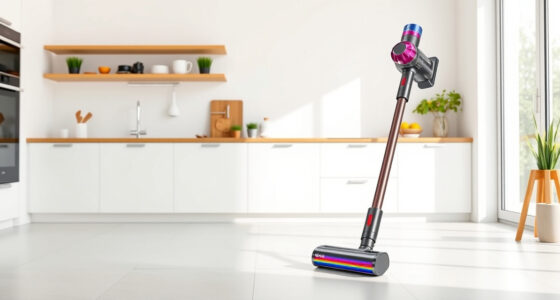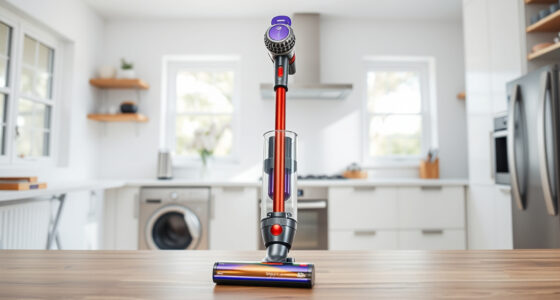
If your Dyson V15 Detect™ Origin Cordless Vacuum is pulsing on and off, it can be frustrating and hinder your cleaning. This common issue often indicates a problem with filters, battery, or airflow. Fortunately, with some basic troubleshooting steps, you can restore your vacuum’s performance and enjoy deep cleaning again.
In this guide, you’ll find practical, safe, and accurate steps to diagnose and fix the pulsing problem, ensuring your Dyson operates smoothly and efficiently.
Key Takeaways
| Filter Maintenance | Dirty filters can cause airflow issues leading to pulsing. |
| Battery Check | A degraded or overheating battery may trigger the pulsing cycle. |
| Blockages | Obstructions in the wand or cleaner head can disrupt airflow. |
| Proper Reassembly | Ensuring all parts are correctly fitted prevents issues. |

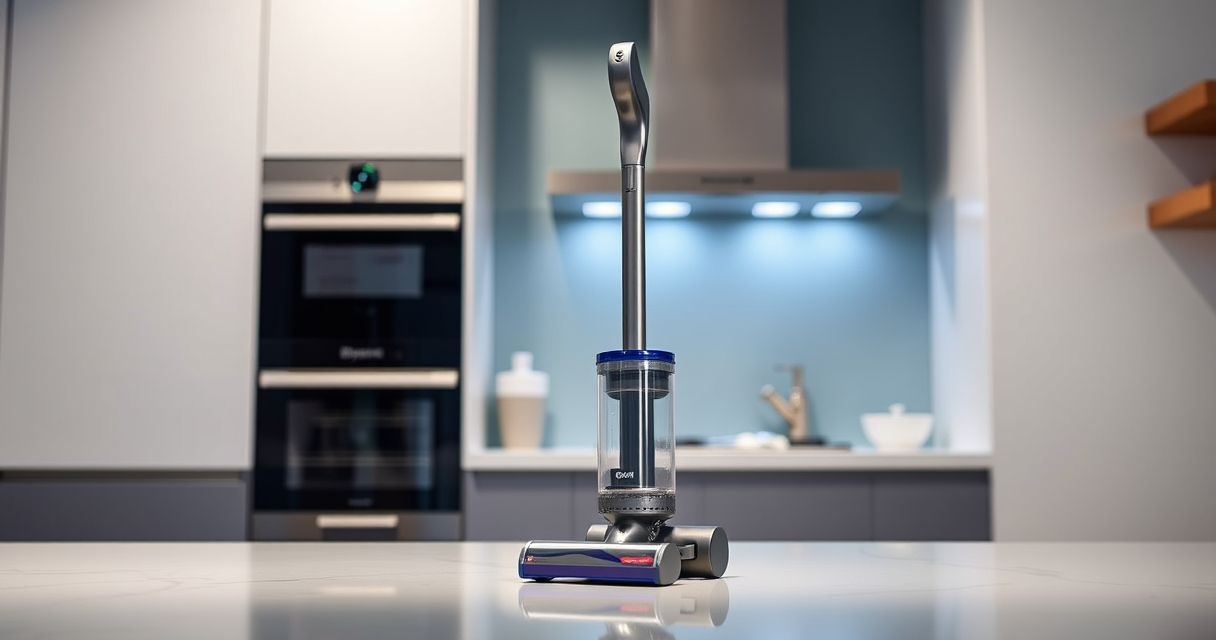
Dyson V15 Detect™ Origin Cordless Vacuum
Powerful and intelligent for whole-home deep cleaning. Reveals invisible dust.
As an affiliate, we earn on qualifying purchases.
Step 1: Power Off and Prepare
- Turn off and unplug your Dyson vacuum.
- Remove the battery if possible, following your model’s instructions.
- Gather a soft cloth, filters, and any necessary tools for disassembly.

LANMU Crevice Tool Vacuum Attachments Compatible with Dyson V15 V12 V11 V10 V9 V8 V7 Gen5 Outsize Vacuum Cleaner, Narrow Nozzel Replacement Parts for Hard-to-Reach Space
Wide Compatibility: This crevice tool attachment is compatible with V15 V12 V11 V10 V9 V8 V7 Gen5 G5...
As an affiliate, we earn on qualifying purchases.
Step 2: Check and Clean the Filters
Dirty filters often cause airflow problems that lead to pulsing. Remove the pre-filters and main filters from your Dyson. Rinse them under water, gently wring out excess water, and let them dry completely (at least 24 hours). Reinstall once dry.
Step 3: Inspect for Blockages
- Check the wand, cleaner head, and hose for obstructions.
- Remove any debris or hair tangled in the brush bars or inlets.
- Ensure the airflow pathways are clear before reassembling.
Step 4: Check and Reassemble
Ensure all parts, including filters, wand, and cleaner head, are correctly fitted. Reinstall the battery securely. Double-check that nothing is loose or misaligned.
Step 5: Test the Vacuum
Power on your Dyson and observe if the pulsing persists. If it continues, proceed to check the battery health or consider replacing filters if they are old or damaged.
The Products in This Guide

Dyson V15 Detect™ Origin Cordless Vacuum
- ✔ Battery Life: 60 minutes
- ✔ Weight: Approx 6.8 lbs
- ✔ Warranty: 2 years

LANMU Crevice Tool Vacuum Attachments Compatible
- ✔ Material: Plastic
- ✔ Length: 15 inches
- ✔ Weight: 0.8 lbs
Dyson V15 Detect™ Origin Cordless Vacuum
The Dyson V15 Detect™ Origin offers powerful cleaning with intelligent features, but pulsing issues can arise due to airflow or filter problems. Regular maintenance and careful inspection can resolve these issues, restoring peak performance.
Pros:
- Powerful suction with intelligent adaption
- Long runtime of 60 minutes
- LCD screen for real-time updates
- Deep-cleaning capabilities for all floor types
Cons:
- Filter maintenance required periodically
- Battery replacement may be needed over time
- Some parts may be complex to disassemble
Best for: Homeowners seeking deep cleaning and advanced features
Not ideal for: Users uncomfortable with routine maintenance or disassembly
Bottom line: Regular filter cleaning and inspection are key to preventing pulsing issues in your Dyson V15.
LANMU Crevice Tool Vacuum Attachments Compatible
This LANMU crevice tool attachment is compatible with Dyson V15 and other models. It features a narrow nozzle that effortlessly reaches tight spots, making it ideal for cleaning corners, upholstery, and car interiors, especially if airflow issues are present.
Pros:
- Narrow, flexible design
- Easy to maneuver
- Compatible with multiple Dyson models
- Effective for detailed cleaning
Cons:
- May require additional attachments for larger surfaces
- Not suitable for heavy debris
Best for: Precision cleaning in tight spaces
Not ideal for: For large debris or deep carpet cleaning
Bottom line: A versatile tool that enhances reach and flexibility for detailed cleaning tasks.
Frequently Asked Questions
Why does my Dyson vacuum keep pulsing?
Pulsing usually indicates airflow restrictions, clogged filters, or battery issues. Performing maintenance like cleaning filters and checking for blockages can resolve it.
How often should I clean my filters?
It’s recommended to rinse and dry your filters every 1-3 months, depending on usage, to maintain optimal airflow and performance.
Can a faulty battery cause pulsing?
Yes, a degraded or overheating battery can trigger pulsing as a safety feature. Replacing the battery may be necessary if it no longer holds a charge or runs inconsistently.
Is it safe to disassemble my Dyson vacuum myself?
While routine filter cleaning is straightforward, disassembling internal parts should be done carefully and only if you are comfortable. Consult the user manual or professional repair services if unsure.
Keep Your Dyson V15 Running Smoothly
By regularly maintaining filters, inspecting for blockages, and ensuring proper reassembly, you can prevent and fix pulsing issues in your Dyson V15 Detect™ Origin. Routine care not only solves problems but also prolongs the lifespan of your vacuum, keeping your home spotless with less hassle.
Affiliate disclosure: As an Amazon Associate we earn from qualifying purchases. Prices and availability are accurate as of the time of publishing.