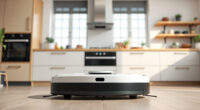
If your Roborock Q10 S5+ is not mopping as expected, it can be frustrating. Sometimes, the problem is simple to fix and can be resolved with a few troubleshooting steps. This guide provides clear, safe, and effective methods to get your robot back to optimal mopping performance.

Get cleaning gear delivered free with Prime
- Fast, free delivery on millions of items
- Prime Video, Amazon Music and more included
- Member-only deals all year
Before diving into troubleshooting, ensure your device is updated, and you have the necessary cleaning supplies on hand. Proper maintenance and understanding of your vacuum’s features will help prevent future issues.
Key Takeaways
| Check the mop cloth | Ensure the microfiber mop pad is clean and properly attached. |
| Inspect water tank | Make sure the water tank is filled and correctly installed. |
| Update firmware | Run firmware updates to fix bugs and improve mopping function. |
| Clean sensors and brushes | Remove debris from sensors and brushes for better operation. |
| Verify settings | Ensure mopping is enabled in the app and settings are correct. |
Step 1: Check the Mop Pad and Water Tank
- Remove the mop cloth from the bottom of the robot and inspect it for dirt or damage. Wash or replace if necessary.
- Ensure the mop pad is properly attached and lying flat against the floor.
- Check the water tank to confirm it’s filled with clean water and securely seated in the robot.
Step 2: Clean Sensors and Brushes
- Wipe the sensors on the robot with a soft, dry cloth to remove dust and dirt.
- Remove the main brush and side brushes, clear any hair or debris tangled around them.
- Reinstall carefully and ensure all parts are fitted correctly.
Step 3: Verify Mopping Settings in the App
- Open the Roborock app and select your device.
- Check that the mopping feature is enabled for the cleaning cycle.
- Ensure the water flow or mopping intensity is set to an appropriate level.
Step 4: Update Firmware and Reset if Needed
- Navigate to the device settings in the app and check for available firmware updates.
- If updates are available, install them and restart the robot.
- If issues persist, perform a factory reset following the manufacturer’s instructions.
Additional Tips and Warnings
Always use compatible accessories like the recommended washable microfiber mop pads for best results. Avoid overfilling the water tank to prevent leaks or malfunctions. Regular cleaning of sensors and brushes enhances performance and longevity.
Warning: Do not use harsh chemicals or abrasive tools when cleaning your robot to avoid damage.
The Products in This Guide

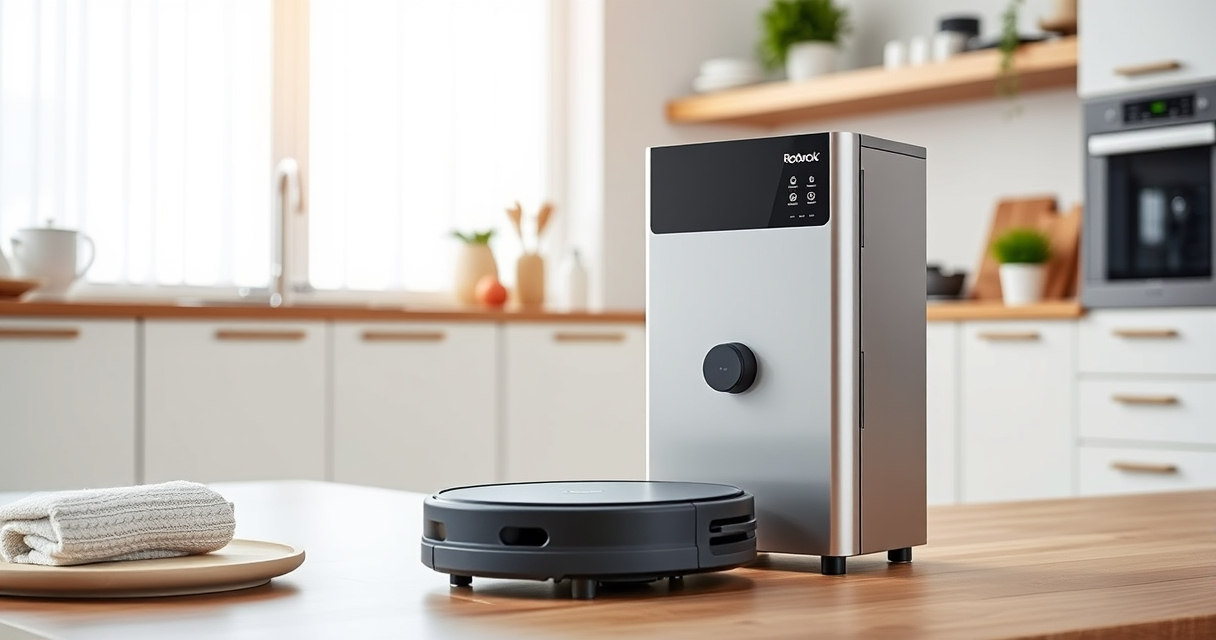
roborock Q10 S5+ Robot Vacuum and Mop
- ✔ Weight: Approx. 5.5 kg
- ✔ Charging Time: 3-4 hours
- ✔ Runtime: Up to 180 mins

4 Pack Washable Filter
- ✔ Dimensions: Standard size
- ✔ Material: Microfiber
- ✔ Wash Cycle: Machine washable
roborock Q10 S5+ Robot Vacuum and Mop
The Roborock Q10 S5+ offers powerful suction, obstacle avoidance, and sonic mopping, making it ideal for busy households and pet owners. Its self-emptying station reduces maintenance and user effort.
Pros:
- Powerful 10,000Pa suction
- Self-emptying station for 70 days
- Obstacle avoidance system
- Dual anti-tangle brushes
Cons:
- Higher price point
- Requires compatible mop pads
- Battery life varies with usage
Best for: Pet owners and busy households needing reliable, hands-free cleaning
Not ideal for: Users seeking lightweight, budget-friendly options
Bottom line: A high-performance robot vacuum with advanced mopping and self-emptying features.
4 Pack Washable Filter
These washable microfiber mop pads are compatible with Roborock models like Q10 S5+ and S8 Pro+. They are highly absorbent, easy to wash, and help maintain optimal mopping performance.
Pros:
- Reusable and washable
- High-quality microfiber
- Compatible with many models
- Effective cleaning surface
Cons:
- Need regular replacement every 1-3 months
- Not official OEM parts
- Might require adjustment for perfect fit
Best for: Maintaining clean, effective mopping with minimal waste
Not ideal for: Users needing disposable pads or for very specific models
Bottom line: A cost-effective solution for consistent, eco-friendly mopping.
Frequently Asked Questions
Why is my Roborock Q10 S5+ not mopping properly?
Common causes include a dirty mop pad, water tank issues, or incorrect settings. Follow the troubleshooting steps to resolve these problems.
How often should I replace the mop pads?
It is recommended to replace or wash the microfiber mop pads every 1 to 3 months for optimal cleaning performance.
Can I use any water in the water tank?
Use clean, room-temperature water. Avoid harsh chemicals or additives that could damage the robot or clog the system.
What should I do if firmware updates don’t fix the mopping issue?
Try performing a factory reset or contact customer support for further assistance. Regular updates can fix bugs affecting mopping.
Keep Your Roborock Q10 S5+ Mopping Like New
Maintaining your Roborock Q10 S5+ for optimal mopping involves regular cleaning, proper accessory use, and firmware updates. By following these troubleshooting steps, you can ensure your robot continues to deliver excellent cleaning performance with minimal hassle.
Remember, proper maintenance and using compatible accessories like washable mop pads can extend the lifespan and efficiency of your device, keeping your floors spotless with ease.
Affiliate disclosure: As an Amazon Associate we earn from qualifying purchases. Prices and availability are accurate as of the time of publishing.
Fall Picks
fall essentials
As an affiliate, we earn on qualifying purchases.