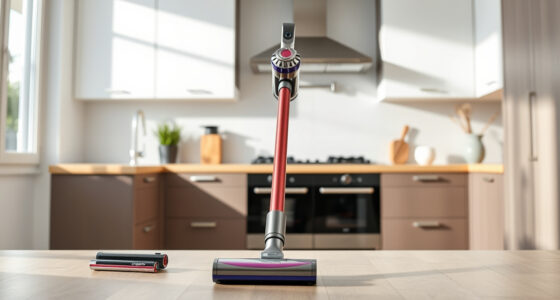
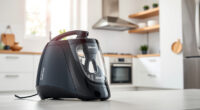
If your Dyson V15 Detect™ Origin cordless vacuum is losing charge quickly, it can be frustrating and hinder your cleaning routine. This guide provides clear, safe troubleshooting steps to help extend your battery life and restore optimal performance.
Open a free Amazon Business account
Business pricing, bulk buying and tax-exempt orders.
Create a free accountAs an affiliate, we earn on qualifying purchases.
From checking and cleaning filters to replacing worn parts, these actionable tips will help you get the most out of your Dyson vacuum and keep it running efficiently.
Key Takeaways
| Battery Maintenance | Regularly clean filters and check for debris blocking airflow. |
| Filter Replacement | Replace filters every 2-3 months for maximum efficiency. |
| Battery Check | Ensure the battery is not degraded or damaged. |
| Proper Usage | Use power modes efficiently and avoid excessive strain. |
| Component Inspection | Look for worn or damaged parts that may affect battery life. |

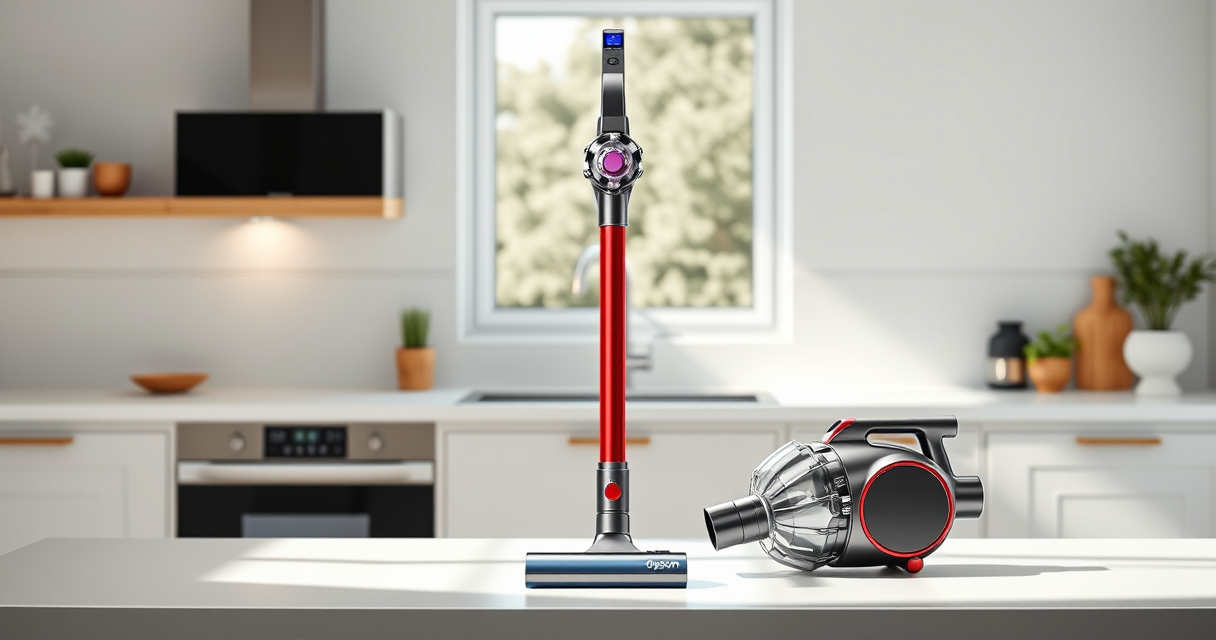
Dyson V15 Detect™ Origin Cordless Vacuum
- Deep cleaning with intelligent detection: Reveals invisible dust for thorough cleaning
- Enhanced power and runtime: 100% more power, 60-minute battery life
- Energy-efficient power trigger: Uses power only when needed
As an affiliate, we earn on qualifying purchases.
Check and Clean Filters
- Locate the pre-filters and main filters on your vacuum. For the Dyson V15 Detect™, the filters are accessible near the dustbin and motor area.
- Remove the filters carefully and rinse them under cold water. Do not use soap or wash in a dishwasher.
- Allow filters to air dry completely, ideally overnight, before reinstalling. Wet filters can impair airflow, reducing battery efficiency.
Inspect for Blockages
- Check the cleaner heads, wand, and crevice tools for debris or blockages that could cause the vacuum to work harder, draining the battery faster.
- Remove any trapped hair, dust, or debris carefully. Clear the airways to ensure smooth airflow.
- Ensure the filters are reinstalled correctly after cleaning.
Replace Worn Filters
If your filters are over 2-3 months old, consider replacing them. Use compatible replacements like the 3Pack Pre Filters or V10 filters for Dyson models, which help maintain suction and battery life.
Assess and Replace the Battery
If your vacuum’s run time remains short despite cleaning filters and clearing blockages, the battery may be degraded. Contact Dyson support or a qualified repair technician to evaluate or replace the battery for best results.
Use Efficiently and Store Properly
- Maximize run time by switching to lower power modes when cleaning hard floors or less dirty areas.
- Avoid leaving the vacuum discharged for long periods. Store it fully charged in a cool, dry place.
The Products in This Guide

Dyson V15 Detect™ Origin Cordless Vacuum
- ✔ Filter Type: HEPA
- ✔ Run Time: Up to 60 minutes
- ✔ Weight: 2.2 kg

LANMU Crevice Tool Vacuum Attachments Compatible
- ✔ Material: Plastic
- ✔ Length: Approx. 10 inches
- ✔ Color: Black
Dyson V15 Detect™ Origin Cordless Vacuum
The Dyson V15 Detect™ Origin offers powerful, intelligent cleaning with features like an LCD screen and advanced cleaner heads. Proper maintenance can significantly extend its battery life and performance.
Pros:
- Powerful suction
- Intelligent debris detection
- Long 60-minute run time
- Versatile cleaning modes
Cons:
- Battery degradation over time
- Filters require regular cleaning
- Requires occasional filter replacements
Best for: Deep cleaning homes with pets and heavy debris
Not ideal for: For users expecting long-term battery replacement without repair service
Bottom line: Regular maintenance and filter replacement are key to preventing battery issues.
LANMU Crevice Tool Vacuum Attachments Compatible
The LANMU Crevice Tool Vacuum Attachments provide a narrow, flexible nozzle to access tight spots, which can help reduce strain on the vacuum and improve cleaning efficiency, potentially aiding battery endurance.
Pros:
- Narrow, flexible design
- Compatible with multiple Dyson models
- Easy to attach and use
- Ideal for hard-to-reach areas
Cons:
- Additional attachment may require adjustment
- Not a battery solution alone
- Limited to cleaning specific areas
Best for: Cleaning corners, edges, and car interiors
Not ideal for: For general floor cleaning as a primary tool
Bottom line: A versatile attachment that complements your Dyson for targeted cleaning.
Frequently Asked Questions
Why does my Dyson battery drain so quickly?
Battery drain can result from clogged filters, blockages, or worn-out batteries. Regular maintenance and filter replacement can help improve run time.
How often should I replace the filters?
Replace filters every 2-3 months, or more frequently if you notice a loss of suction or reduced run time.
Can I replace the Dyson battery myself?
Battery replacement is recommended to be done by Dyson support or qualified technicians to ensure safety and proper fit.
What if cleaning filters doesn’t improve battery life?
If cleaning filters and clearing blockages don’t help, the battery may be degraded and need replacement or professional assessment.
Keep Your Dyson Running at Peak Performance
Regularly maintaining filters, checking for blockages, and replacing worn parts can significantly extend your Dyson V15 Detect™ Origin’s battery life. Following these steps ensures your vacuum remains powerful and reliable for deep cleaning sessions. If issues persist, professional support or battery replacement may be necessary to restore full performance.
Affiliate disclosure: As an Amazon Associate we earn from qualifying purchases. Prices and availability are accurate as of the time of publishing.
Baby shower & registry season Picks
baby registry must-haves
As an affiliate, we earn on qualifying purchases.