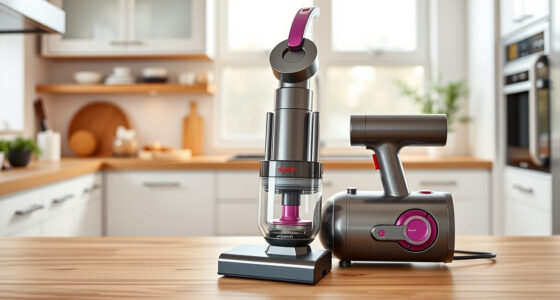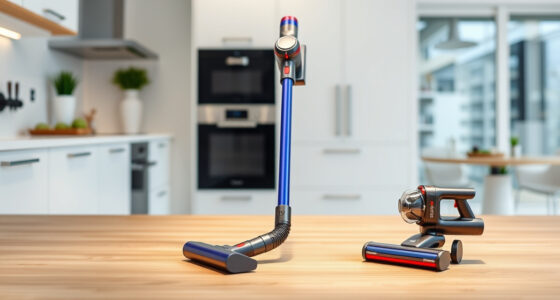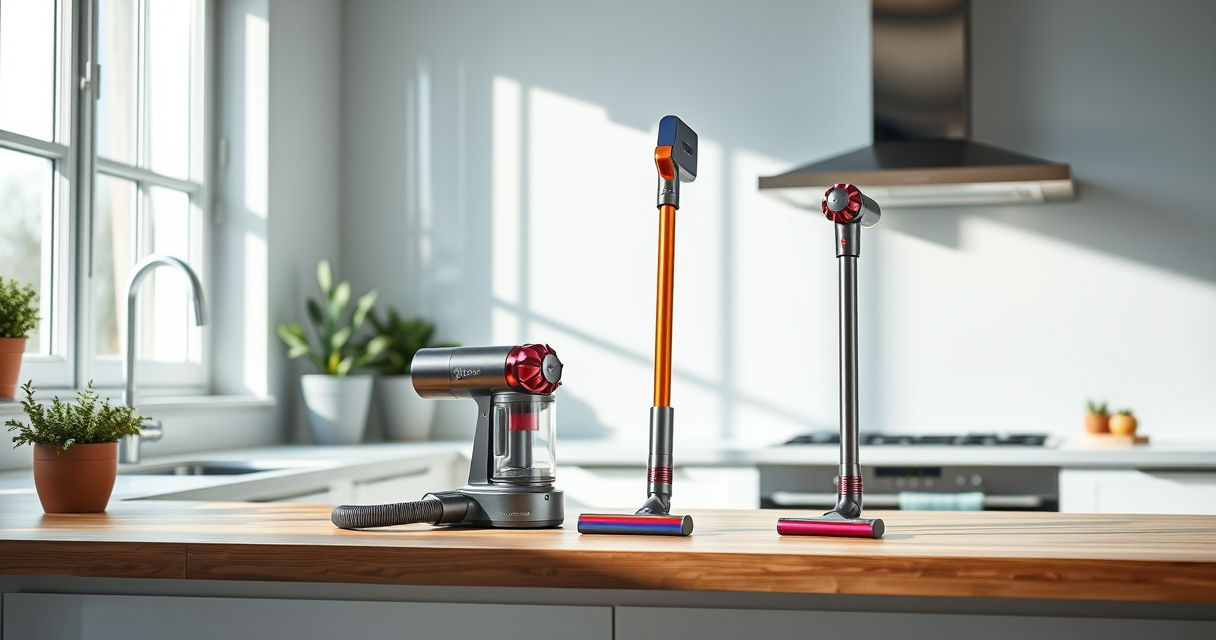
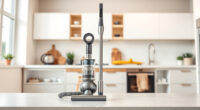
If your Dyson V15 Detect™ Origin Cordless Vacuum is pulsing on and off during use, it can interrupt your cleaning routine and indicate underlying issues. This guide provides practical, step-by-step troubleshooting methods to identify and fix the problem safely, ensuring your vacuum performs at its best.

Get cleaning gear delivered free — and shop member deals
- Fast, free delivery on millions of items
- Access to Prime Big Deal Days deals on October 6–7
- Prime Video, Amazon Music and more included
Understanding common causes such as blockages, filter issues, or battery problems can help you resolve the pulsing effect quickly and keep your Dyson running smoothly for deep, effective cleaning.
Key Takeaways
| Power fluctuations | Pulsing often relates to power or motor issues. |
| Filter blockages | Clogged or dirty filters reduce suction and cause pulsing. |
| Battery or airflow | Battery problems or airflow obstructions can trigger pulsing. |
| Regular maintenance | Keeping filters clean and checking for blockages prevents pulsing. |
Check for Blockages and Obstructions
- Turn off and unplug your Dyson vacuum.
- Inspect the wand, hose, and cleaner head for debris or blockages.
- Remove any debris or tangled hair carefully, using the crevice tool if needed.
- Reassemble and test the vacuum to see if pulsing persists.
Clean or Replace the Filters
Dirty filters can cause airflow restrictions that lead to pulsing. Remove the pre-filters and main filters from your Dyson V15:
- Rinse the filters with water, wring out excess moisture, and let them air dry completely—preferably 24 hours.
- Reinstall the filters once dry and test the vacuum.
If filters are worn out or damaged, consider replacing them with suitable replacements.
Check Battery and Power Mode Settings
Ensure the battery is charged fully and that you’re using the appropriate power mode for your cleaning task. An inconsistent power supply or low battery can cause pulsing:
- Charge the vacuum fully before use.
- Verify the LCD screen shows sufficient remaining run time.
- Switch between power modes to see if pulsing occurs in a specific setting.
Perform a Reset and Maintenance Check
Sometimes, resetting your Dyson can resolve minor software glitches:
- Turn off the vacuum and remove the battery if removable.
- Wait for 30 seconds, then reassemble everything.
- Power on and test for pulsing.
Regularly clean the vacuum’s cleaner heads and check for damage to ensure optimal airflow and motor function.
Contact Dyson Support if Issue Persists
If troubleshooting steps don’t resolve the pulsing, contact Dyson customer support or visit an authorized service center for professional assistance. Persistent issues might require repairs or component replacements.
The Products in This Guide

Dyson V15 Detect™ Origin Cordless Vacuum
- ✔ Battery Life: Up to 60 minutes
- ✔ Cleaning Modes: Multiple power settings
- ✔ Filtration: Advanced HEPA filters

LANMU Crevice Tool Vacuum Attachments Compatible
- ✔ Length: 8 inches
- ✔ Material: Plastic
- ✔ Flexibility: High
Dyson V15 Detect™ Origin Cordless Vacuum
The Dyson V15 Detect™ Origin Cordless Vacuum offers impressive suction and smart features. Troubleshooting pulsing involves checking filters, blockages, and power settings, which can restore peak performance.
Pros:
- Strong suction power
- Intelligent debris detection
- Long battery life
- Effective filtration system
Cons:
- Can pulsing indicate deeper issues
- Filters need regular cleaning
- Battery issues may require replacement
Best for: Deep cleaning and pet hair cleanup
Not ideal for: Heavy-duty repairs or if parts are physically damaged
Bottom line: Regular maintenance and troubleshooting can keep your Dyson V15 operating smoothly.
LANMU Crevice Tool Vacuum Attachments Compatible
The LANMU Crevice Tool Vacuum Attachments improve your Dyson’s reach into tight corners and hard-to-reach spots, making it easier to clean edges, car seats, and upholstery effectively.
Pros:
- Narrow, flexible nozzle
- Compatible with multiple Dyson models
- Easy to attach and use
- Great for detailed cleaning
Cons:
- Attachment may be fragile if handled roughly
- Requires manual cleaning of the nozzle
Best for: Cleaning tight spaces and corners
Not ideal for: Heavy-duty cleaning tasks
Bottom line: A versatile tool that makes reaching tricky spots effortless.
Frequently Asked Questions
Why does my Dyson vacuum pulse or pulsing on and off?
Pulsing typically indicates airflow restrictions, filter issues, or battery problems. Checking filters, cleaning obstructions, and ensuring proper power settings can resolve this.
How often should I clean or replace filters?
Filters should be rinsed every 1-3 months and replaced if damaged or overly worn. Reinstall filters once completely dry.
Can I reset my Dyson vacuum to fix pulsing?
Yes, turning off the vacuum, removing the battery (if removable), waiting 30 seconds, then reassembling and turning it on can reset minor glitches.
What if cleaning and filters don’t fix the pulsing?
If issues persist, contact Dyson support or visit an authorized service center for professional diagnosis and repair.
Keep Your Dyson Running Smoothly
By systematically checking for blockages, maintaining filters, and ensuring proper power, you can troubleshoot most pulsing issues yourself. Regular upkeep not only prevents pulsing but also prolongs your vacuum’s lifespan and cleaning efficiency. When in doubt, professional support is always a good option to keep your Dyson performing at its best.
Affiliate disclosure: As an Amazon Associate we earn from qualifying purchases. Prices and availability are accurate as of the time of publishing.
Fall Picks
fall essentials
As an affiliate, we earn on qualifying purchases.